Introduction
If your Fear of God Essentials purchase through fashion-reps shows no logistics updates for a long time, don't immediately assume the package is lost, and don't repeatedly submit inquiries. Instead, record the order and package information, confirm the exact wording of the last status, and then determine whether the issue lies with warehouse processing, carrier pickup, international transit, split shipments, or a transferred tracking number that hasn't been linked.
This article addresses one specific problem: no new logistics events appearing on the tracking page. After reading, you should be able to perform a time-stamped verification and prepare a list of materials for official support. This article does not apply to packages that already show refusal, address errors, customs holds, clear returns, or delivery disputes; those require handling according to their status. 📦

Defining the Verification Scope for Fear of God Essentials Tracking Stagnation
First, record the following information:
- Order number or cart batch number
- Product name, size, color, and quantity
- Package number or international tracking number
- Current carrier name and tracking page
- Destination country or region
- Full text of the last visible event
- Time of the last status update and when you performed the verification
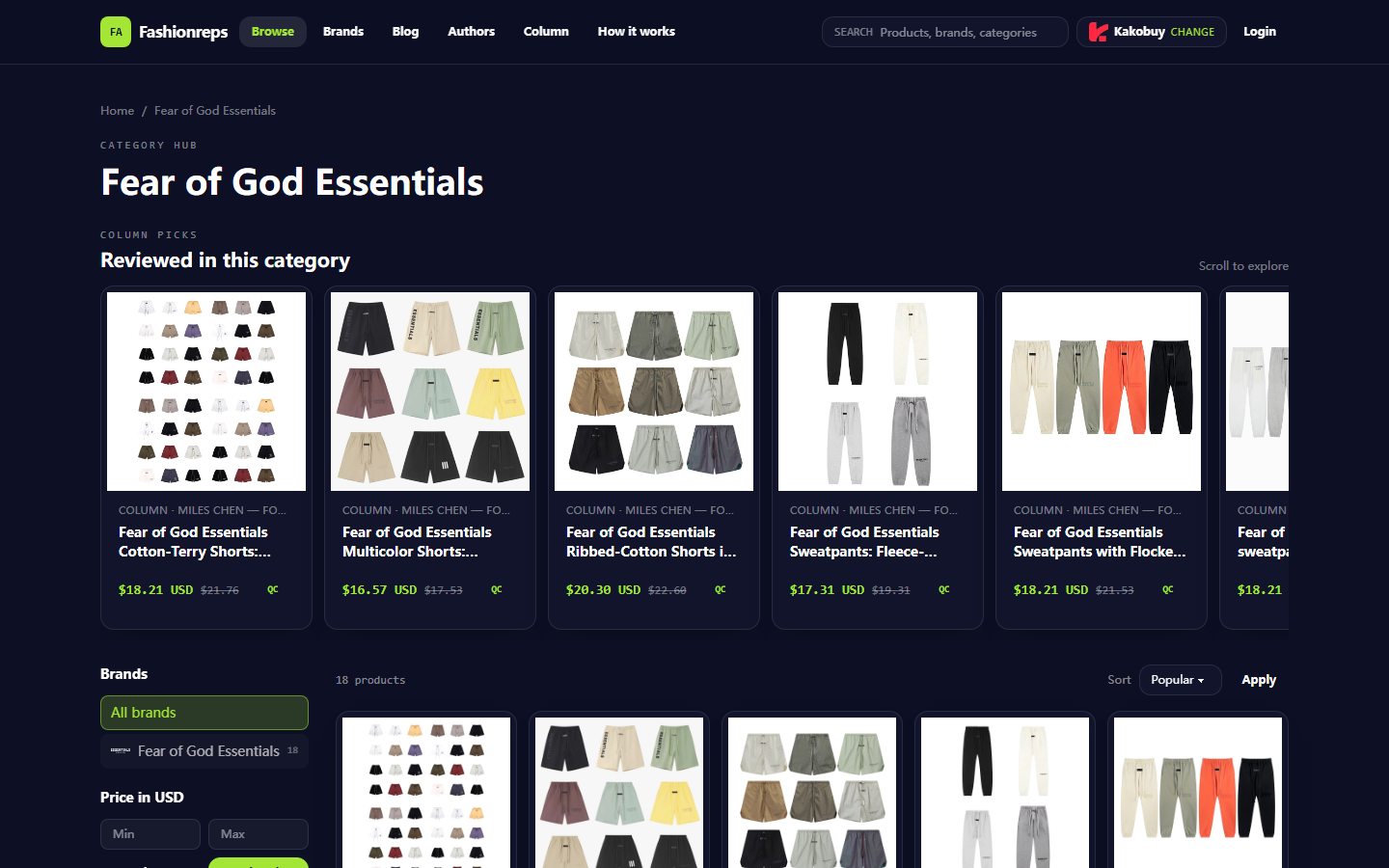
According to fashion-reps' page information, the site provides product browsing and proceeds through a shopping agent to the purchasing process. The Fear of God Essentials category on the page includes multiple items such as pants and shorts, but the public catalog alone cannot prove that a specific order has been shipped, handed to the carrier, or entered international transit. Therefore, tracking issues must be based on your order records, package pages, and support channel responses, not inferred from product pages.
The scope of this verification is 'tracking status not updated', not repurchasing, changing addresses, applying for refunds, or judging authenticity. Do not repeatedly pay for shipping, resubmit the same shipping request, or create new packages just because the page hasn't changed.
Recording Order, Package Number, Route, Destination, and Query Time
After opening the order or warehouse management page, transcribe the information into a local record. Do not rely solely on browser history or screenshots, as pages may change with package consolidation, splitting, or tracking number transfers.
Recommended record format:
- Verification date: October 15, 2026, or the date you actually viewed the page
- Order number: keep the full number but do not publish it
- Package number: record each visible package separately
- Original tracking number: if the page also shows a warehouse number, save it separately
- Route: record the shipping method shown on the page, do not guess the actual carrier
- Destination: record country or region, note state, province, or city if necessary
- Query source: order page, warehouse page, carrier page, or forwarding page
- Page time: record the original text of 'last update time' and the page's time zone
- Verification time: record your local time when you opened the page
Personal information, complete shipping addresses, phone numbers, payment card numbers, and identification documents should not be included in public screenshots or forum posts. When submitting to support, provide only the minimum information needed to process the order, and redact unrelated personal fields. 🔒
Distinguishing Warehouse Processing, Dispatch, Carrier Pickup, and International Transit Events
Words on logistics pages are not interchangeable. A package may have been packed in the warehouse but not yet scanned by an external carrier; or it may have a pickup record but temporarily no new events during export processing or transit.
| Status Type Seen | Usually Indicates | Next Verification Focus |
|---|---|---|
| Pending, to be packed, or warehouse processing | Warehouse may not have completed picking, checking, or packing | Check for pending items, additional payments, or address confirmation |
| Packed, ready for dispatch, or label created | Transport data may have been created, but not equal to carrier pickup | Check for actual pickup scan and package weight |
| Handed to carrier, picked up, or departed | Page at least shows carrier acceptance or transport initiation | Check last scan location, time, and route |
| International transit, transfer, or export processing | Package may be in cross-border transport or transfer | Look for another tracking number, split shipment info, or route notes |
| Status unknown, no record, or query failed | Current page cannot provide sufficient evidence | Save error text, ask official support, avoid repeated refreshing causing misjudgment |
These explanations are a verification framework, not a conclusion about your current package status. Only page text, order records, or official support replies can confirm whether an event has occurred. 🚚
Checking the Tracking Page's Last Update Time and Status Text
When first viewing, don't just look at colors, icons, or summary words like 'in transit'. Expand details and copy the original text, time, location, and carrier name of the latest event. If the page shows both 'label created' and 'picked up', record them separately; do not treat label creation as actual pickup.
Verify in this order:
- Confirm the entered tracking number has no extra spaces, letter confusion, or missing digits.
- Check if the carrier on the query page matches the one shown on the order page.
- Record the original text and time of the latest event, not just 'no update for a long time'.
- When converting page time to your local time, keep the original page time zone to avoid date errors.
- If different pages show inconsistencies, save both statuses; do not choose the more optimistic one.
- Check if the page indicates waiting for first scan, transfer to another carrier, system delay, or query range limits.
If the page shows 'label created' but no pickup scan for several days, this only proves that shipping data may have been created, not that the package has left the warehouse. At this point, return to the order or warehouse page to check for dispatch evidence, rather than just asking the carrier about international events.
Checking for Split Shipments, Transferred Tracking Numbers, or Route Changes
One order may not correspond to only one final package. Multiple items may be split into different packages, or a new tracking number may be generated after consolidation, causing the original number to stop updating. When routes change, the previous carrier's tracking number may differ from the subsequent international one.
Check:
- Whether the order shows multiple package numbers
- Whether any items still show pending or awaiting payment
- Whether package weight, dimensions, or item count match expectations
- Whether there are notes like 'reshipping', 'transfer', 'handover', or similar
- Whether the details page hides a second query number
- Whether a new tracking number needs to be queried on another carrier's page
- Whether the original number shows transfer, termination, or no further scans
Do not assume all items are in the same place just because one number hasn't changed. Do not merge events from different packages into a single timeline. The safest way is to create a separate record for each package, noting which items or order parts it corresponds to.
Recording Page Status, Timeline, and Supporting Documents for Support Requests
Before contacting official support, prepare a concise timeline. The more specific the materials, the easier it is for support staff to determine whether the issue is warehouse not dispatched, carrier not picked up, tracking number not linked, or query page not synced.
Prepare:
- Order number or necessary order identification
- Affected package number and possible transferred tracking number
- Destination country or region
- Original text, location, and time of the last status
- Date you noticed the stagnation
- Names of pages checked
- Page error or no result messages
- A screenshot with personal information redacted
- The specific question you want support to confirm
Your inquiry can be fact-based, for example:
"The package number in the order is X. The page's last status shows Y at time Z. Since then, I have not seen new events on the order page or carrier query page. Please confirm whether the package has left the warehouse, whether there is a split shipment or new tracking number, and which official query portal should be used now."
Do not use unproven conclusions like 'definitely lost', 'must be held', or 'reship immediately'. Do not send complete labels, passports, bank cards, or original images with unrelated personal data. 🧾
When to Stop Actions if No New Events or Unclear Status Meaning
When the page shows no new events, repeated refreshing usually does not generate new transport records. After completing a full verification, if there is no new evidence, temporarily stop the following:
- Repeatedly querying the same tracking number
- Resubmitting the same dispatch or customer service requests
- Repaying shipping costs without confirming the reason
- Requesting duplicate shipments without confirming split shipments
- Changing carriers or routes based on forum speculation
- Posting orders, addresses, or complete tracking screenshots in public posts
Conditions to continue observing: the page clearly shows waiting for first scan, a system message indicates update delay, or support has given a time for rechecking. If support requests additional information, submit only what is necessary for that order, and keep records of submission time and request numbers.
If the status meaning is unclear, the tracking number may have switched, or the order page and carrier page consistently conflict, stop self-inference and let official support confirm. Stopping repeated actions does not mean giving up on the package; it avoids creating duplicate requests or new cost risks before facts are clear.
Submitting Tracking Issues Through Official Support and Reviewing Subsequent Events
Use the built-in support portal of the platform where you actually placed the order or manage the package, as well as the carrier's official query portal clearly provided on the package page. Do not rely solely on search results to choose third-party tracking sites, and do not treat third-party estimated dates as official promises.
When submitting, organize content in this order:
- State the order and affected package number.
- Write the complete original text and time of the last status.
- Explain which pages you checked and whether you found split shipments or transferred tracking numbers.
- Clearly request support to confirm one of: warehouse dispatch, carrier pickup, transferred tracking number, or route status.
- Record the ticket number, response time, and next recheck time.
After receiving a reply, don't just look for generic phrases like 'please be patient'. Confirm whether the reply contains actionable information, such as a new package number, confirmed dispatch time, carrier pickup record, additional materials needed, or a clear recheck date. If the reply does not answer your specific question, you can add to the original ticket with an updated timeline, avoiding multiple duplicate tickets.
Final judgment should be based on new verifiable events or clear official statements. Without such evidence, articles and pages should not describe the package as dispatched, entered customs, arriving soon, or lost.
Conclusion
When dealing with Fear of God Essentials tracking stagnation, the most valuable action is not repeated refreshing, but uniformly recording order, package, route, destination, status text, and time, then ruling out split shipments, transferred numbers, and page sync issues. This usually doesn't shorten transit time directly, but it reduces the risk of duplicate requests, duplicate payments, and misjudgment.
This verification method suits buyers who have order records but cannot see which logistics stage is stuck. It is not recommended for situations clearly showing refusal, address errors, customs processing, or delivery disputes; those should follow the corresponding official handling path on the page. Verification date, actual destination, currency, and logistics policies may affect specific outcomes; recheck the official pages in effect before submitting a support request.