
What This Casablanca Payment Status Troubleshooting Guide Solves
If you found a Casablanca item on Fashionreps, submitted an order through an external shopping agent, and completed payment but don't see a clear order confirmation, charge result, or amount status, this guide helps you perform a safe verification.
This article addresses only one issue: after payment, the agent platform doesn't clearly display the amount or whether the order is confirmed. Fashionreps pages are for product discovery and information; orders, payments, warehousing, and logistics are handled by the external agent website you choose. Therefore, the Fashionreps product page cannot replace the agent platform's order records or payment records.
After reading, you should be able to do three things: save necessary evidence, determine whether you're in an authorization or unconfirmed order state, and decide whether to wait or contact agent support without risking duplicate payment.
This article does not apply to situations that already show a clear refund, chargeback, account freeze, customs hold, or out-of-stock item; those issues require following the specific platform's dedicated process. 🧾
First Save Key Fields from the Order Page and Payment Records
Don't refresh, cancel the order, or click pay again immediately. First save screenshots of the current page on the agent website or export records, and keep the following information:
- Order number or draft order number
- Product title, specifications, quantity, and seller information
- Amount due, currency, and fee breakdown shown on the page
- Payment time and time zone
- Transaction status shown by the payment method
- Authorization status shown by the bank, card network, or payment service provider
- Balance changes or payment transaction records in the agent account
- Error messages, processing messages, or blank states shown on the page
When taking screenshots, keep only the information needed for verification. Cover full card numbers, verification codes, passwords, ID documents, passports, full addresses, and other unnecessary personal information. Do not post complete order, payment card, or identity details in public comments or third-party groups. 🔒
If the page has no order number, also record the payment page's time, amount, currency, and product information. Not having an order number does not mean payment failed, and you cannot judge whether the order was created based solely on bank notifications.
Distinguish Payment Authorization, Charge Display, and Order Confirmation Status
During the payment process, at least three different statuses may appear:
- Payment authorization: the payment institution temporarily approves or reserves the amount, but the merchant or agent may not have completed the charge.
- Charge display: the bank or payment service provider shows the amount as posted, credited, or in processing.
- Order confirmation: the agent website links the payment to a specific order and shows the order as submitted, pending purchase, or another clear status.
These three statuses cannot replace each other. A bank showing a pending authorization does not mean the agent has confirmed the order; an agent showing the order as created does not necessarily mean the payment has been finally settled.
You can use the following combinations to decide the next step:
| Status seen | More reliable judgment | Next step |
|---|---|---|
| Bank no record, agent no order | Not yet proven payment successful | Don't repeat payment; first check if a draft or failure record was generated |
| Bank shows pending, agent no clear order | May be authorized but not yet linked | Keep authorization record, contact agent support to verify, don't pay again |
| Bank shows posted, agent order still unclear | Needs manual matching of payment and order | Submit amount, time, currency, and payment transaction details |
| Agent shows order confirmed, bank still shows processing | May be in payment settlement stage | Wait according to agent page status, avoid duplicate submission |
| Agent clearly shows payment failed and bank no authorization | No evidence of successful payment seen | Correct according to failure message before deciding whether to pay again |
The table is only for checking status and does not mean any specific agent uses these exact names. Different platforms may use pending, authorized, processing, paid, failed, or other labels; ultimately, follow the actual page definitions and support replies.
Verify Currency, Amount, and Payment Time Correspond to the Same Order
When amounts don't match, don't first assume the platform overcharged or undercharged. Check item by item:
- Is the product amount the same as on the order page?
- Did quantity, size, or color change?
- Were service fees, payment processing fees, domestic shipping, or other visible fees added?
- Is the displayed currency USD, CNY, or another currency?
- Did the bank use a different settlement currency?
- Are exchange rate conversion and cross-border transaction fees listed separately by the bank or payment service provider?
- Is the payment time close to the order creation time?
- Are there multiple authorizations, authorization reversals, or repeated attempts?
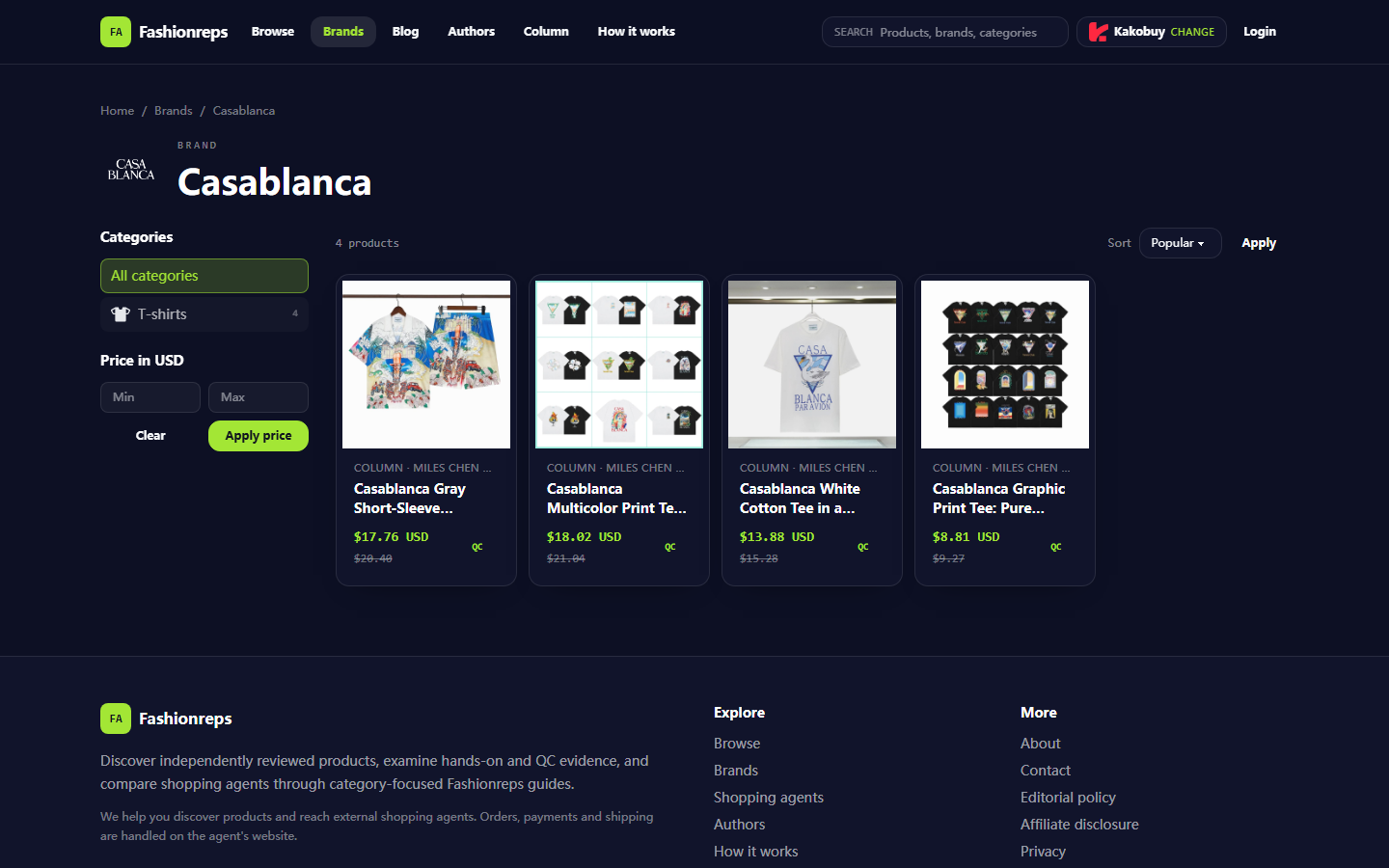
Don't just compare the final card charge amount with the product reference price. Fashionreps' Casablanca brand page shows product discovery information and reference prices; the actual amount due, agent fees, payment processing, and order status should be based on the external agent's settlement page. The reference price on the page also cannot prove that a particular payment has been linked to an order.
If there are two similar amounts, record each transaction's time, currency, status, and transaction identification separately. Don't cancel authorizations still in processing, and don't "test" the system by paying again. 💳
How to Avoid Duplicate Payment When the Page Shows No Clear Result
When the page freezes, redirect fails, or status remains unclear for a long time, follow this order:
- Stop the payment button, resubmit button, and repeated refreshing.
- In the same agent account, check orders, draft orders, payment records, balance transactions, and notifications.
- Cross-check using order title, amount, time, and product specifications.
- Check email or site notifications, but don't judge payment completion based solely on notification titles.
- Save current status and time; don't delete the original order or payment record.
- Until you get a clear result, don't switch cards, accounts, or create the same order again.
If the agent platform allows viewing order status, prioritize the clear status on the order detail page. If only the payment service provider shows authorization and the agent has no matching order, treat it as an abnormal state requiring verification, not automatically as success or failure.
While waiting, record the time of each status change. This helps support staff distinguish initial authorization, subsequent reversals, and repeated attempts, reducing the risk of duplicate payments. ⏱️
What Evidence to Submit When Contacting Official Support
Payments and orders are processed by the external shopping agent you choose, so you should submit your issue through the agent website's official customer service, ticket system, or help center. Don't send payment issues only to the Fashionreps product page, as the product discovery page cannot replace the agent's payment system.
Keep your submission concise but complete, including:
- Registered email or account identifier for the agent account, as requested
- Order number, draft order number, or product link identifier
- Product title, specifications, and quantity
- Amount and currency shown on the order page
- Payment time and time zone
- Payment method and transaction status
- Authorization, processing, or posted status shown by the bank or payment service provider
- Actions taken so far, such as whether you refreshed or received a failure message
- The specific issue you want support to confirm: whether the payment is linked to an order, whether you need to wait, whether it will be automatically reversed
Don't submit passwords, payment verification codes, full card numbers, full shipping labels, passport photos, or identity documents beyond what's needed to resolve the issue. If support asks for screenshots, cover irrelevant sensitive information but keep verification fields like amount, currency, time, order number, and status visible.
Signs That Require Immediately Stopping Further Actions
Stop continuing to pay or resubmit and save evidence first if any of the following occurs:
- Bank shows authorization or charge, but agent has no clear order
- Two or more similar amounts authorized for the same order
- Payment page asks you to bypass the agent's normal settlement process and transfer directly to a personal account
- Page asks for full payment card, password, or identity details publicly
- Order amount, currency, or payee differs from the original settlement page
- Page keeps showing errors, but each attempt may generate a new payment record
- System prompts to pay the same order again before agent support confirms
- You can't tell whether the current action corresponds to the original order or a new order
These signs don't necessarily prove fraud or system failure, but they show that current information is insufficient to continue safely. Save the incomplete state first, then verify through the agent's official support channels.
Final Actions: Decide to Wait, Seek Help, or Keep Incomplete Status Based on Confirmation Results
If the agent order is clearly confirmed and the payment record is only processing, you can save screenshots and wait for settlement updates as per the page instructions. Don't pay again just because the bank hasn't finalized the transaction yet.
If the bank shows authorization or posted but the agent has no matching order, stop paying again. Submit the order, amount, currency, time, and transaction status, and ask agent support to confirm whether the payment is linked, will be automatically reversed, or needs further processing.
Only if the agent clearly shows payment failed and the bank has no authorization or charge record can you restart the payment process after verifying order information. Before re-operating, confirm that the original attempt won't cause delayed posting or duplicate charges.
This troubleshooting plan may save time on a duplicate payment, duplicate order processing, or subsequent refund communication; the cost is that you may need to wait for payment status synchronization and temporarily give up the convenience of immediately reordering. It's better suited for users who see conflicting statuses, unconfirmed amounts, or incomplete payment results. It's not recommended to continue trying when there have already been multiple authorizations, abnormal payees, account security warnings, or inability to identify order ownership; stop and contact relevant official support first.
Common Questions About Agent Platform Shopping
1. Why doesn't mulebuyus.com use Google Sheets to display products?
On mulebuyus.com, Google Sheets is only suitable for very small product lists. When there are many products, loading becomes very slow, the system lags heavily, especially on mobile, and finding products becomes inconvenient. For the same set of products, web tables on mulebuyus.com load faster and are more comfortable to browse.
2. What should first-time users of agent platforms like mulebuyus.com pay attention to?
Users who first access a Taobao agent through a spreadsheet can usually get a new-user shipping discount package on mulebuyus.com. You should also check the platform's step-by-step beginner shopping guide and follow the steps.
3. How do I search for products I want on mulebuyus.com?
You can search with a single keyword, or go directly to category pages where products are further organized by brand. Longer search terms usually yield fewer but more precise results.
For example, you can search "Air Force 1 White", "sneakers", or just "Air Force 1".